> For the complete documentation index, see [llms.txt](https://docs.firstledger.net/llms.txt). Markdown versions of documentation pages are available by appending `.md` to page URLs; this page is available as [Markdown](https://docs.firstledger.net/stay-to-earn/jumping-in-the-pools-with-joey-wallet.md).
# Jumping in the pools with Joey Wallet
For users on mobile using Joey Wallet, this section is for you.
To get started, download Joey Wallet by visiting and installing it on your device.
Once Joey Wallet is installed, either import your existing wallet or create a completely new wallet.
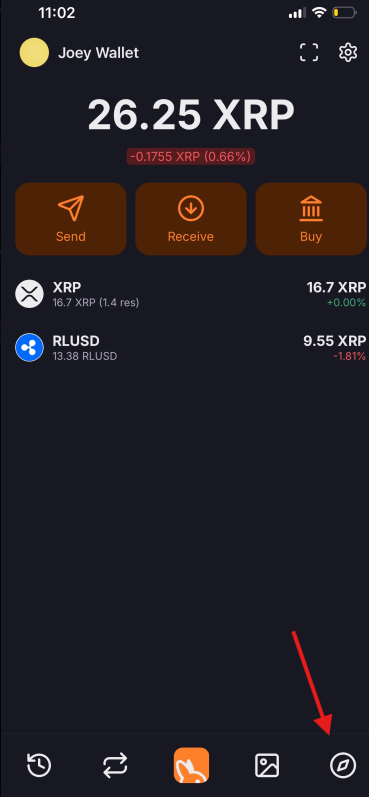
Then, navigate to the in-app browser, located at the bottom right of the screen.
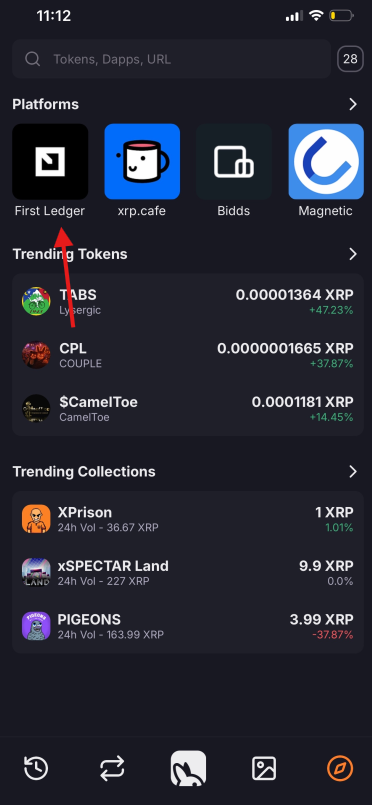
Once you’ve tapped that button, you’ll be taken to Joey’s in-app browser, where you can see platforms supported by Joey. Click on **First Ledger**.
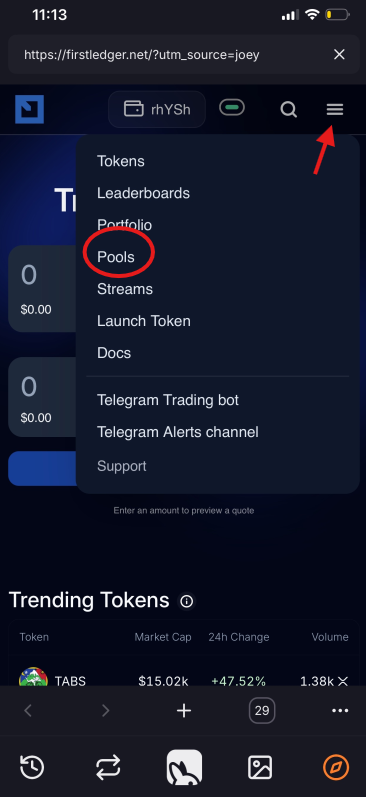
Click the hamburger menu at the top right and navigate to the **Pools** page.
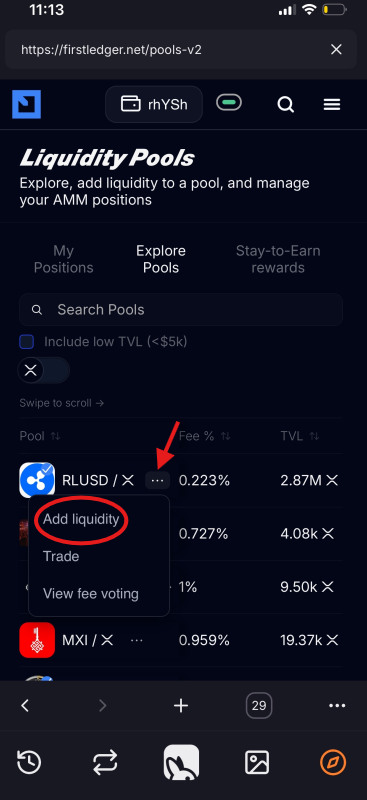
Locate the XRP/RLUSD pool. During the Stay to Earn program, the XRP/RLUSD pool will always be pinned to the top, making it easy to find.
Click the three dots next to the pool and select “**Add Liquidity.**”